Frequently Asked Questions
What exactly is flow-state?
Flow-state is that feeling of being completely "in the zone," where everything you do feels effortless and perfect. Scientists call this transient hypofrontality. "Transient" means temporary, and "hypofrontality" means the front part of your brain—the part that constantly overthinks, worries, and double-checks every little detail—takes a break. When this overthinking part quiets down, your brain stops wasting energy on second-guessing yourself. Instead, it hands over full control to your subconscious mind, allowing you to react incredibly fast and with perfect focus without even trying.
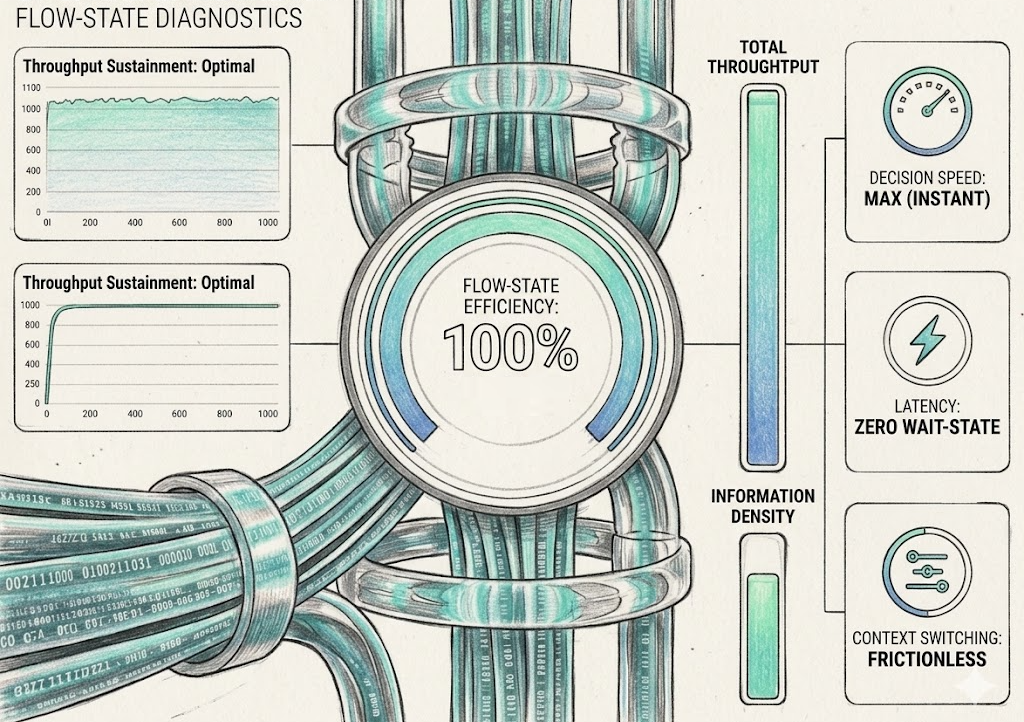
Resource Consumption Comparison: To understand the energy savings, think of your brain's resource consumption like a computer's battery. During normal work, your conscious mind burns a massive amount of energy constantly observing, deciding, and correcting every physical movement. This high fuel burn is what causes mental fatigue and brain fog after a few hours. In flow-state, by shutting down the overthinking front part of the brain and letting the subconscious take over, the brain stops burning fuel on unnecessary friction. Your mental resource consumption drops dramatically, allowing you to stay focused and productive for hours without crashing.
How does the Intend System make clicking like a Stone Age hunt?
In the Stone Age, striking a target flooded the brain with a chemical reward to encourage survival skills. The Intend System activates this same natural mechanism by leveraging a 1-to-1 mapping of your 3-part hand system. Crucially, because this core dopamine reward is driven by the physical execution of ballistic movements rather than passive anticipation, tolerance builds far less severely—meaning that while the signal experiences a natural, moderate taper over time, it retains a remarkably strong, resilient baseline drive long after a year of use. Furthermore, as this continuous physical engagement naturally locks you into a flow state, it unlocks the rest of the brain's performance cocktail, bringing in other profound neurochemicals like anandamide, serotonin, norepinephrine, and endorphins for a sustained, natural buzz.
Does this training transfer to overall physical activities and sports?
Absolutely. By training your subconscious to handle movement without conscious hesitation, you fundamentally improve how your brain reacts to visual targets. This heightened precision in vision and physical coordination seamlessly carries over, supercharging your performance in sports or complex tasks as well.
Does the training game get repetitive or boring?
Not at all. The game is specifically designed around a continuous, fast-paced rhythm that acts as a direct shortcut to drop you into the flow-state. By locking you into this optimal speed, your brain receives a steady, continuous release of dopamine with every successful action, ensuring the experience remains highly engaging and never feels like a chore.
How long does the flow-state mode of the brain last?
If you step away from your desk or stop using the flow-state features, the state usually lasts for 1 to 3 hours. However, if you continue using the features of the flow-state like frequent mouse usage during desktop use which require good hand-eye-coordination or activities like drawing/writing on paper or sports you can keep your brain in this state for many hours.
Will my aim get better the more I use the Intend System?
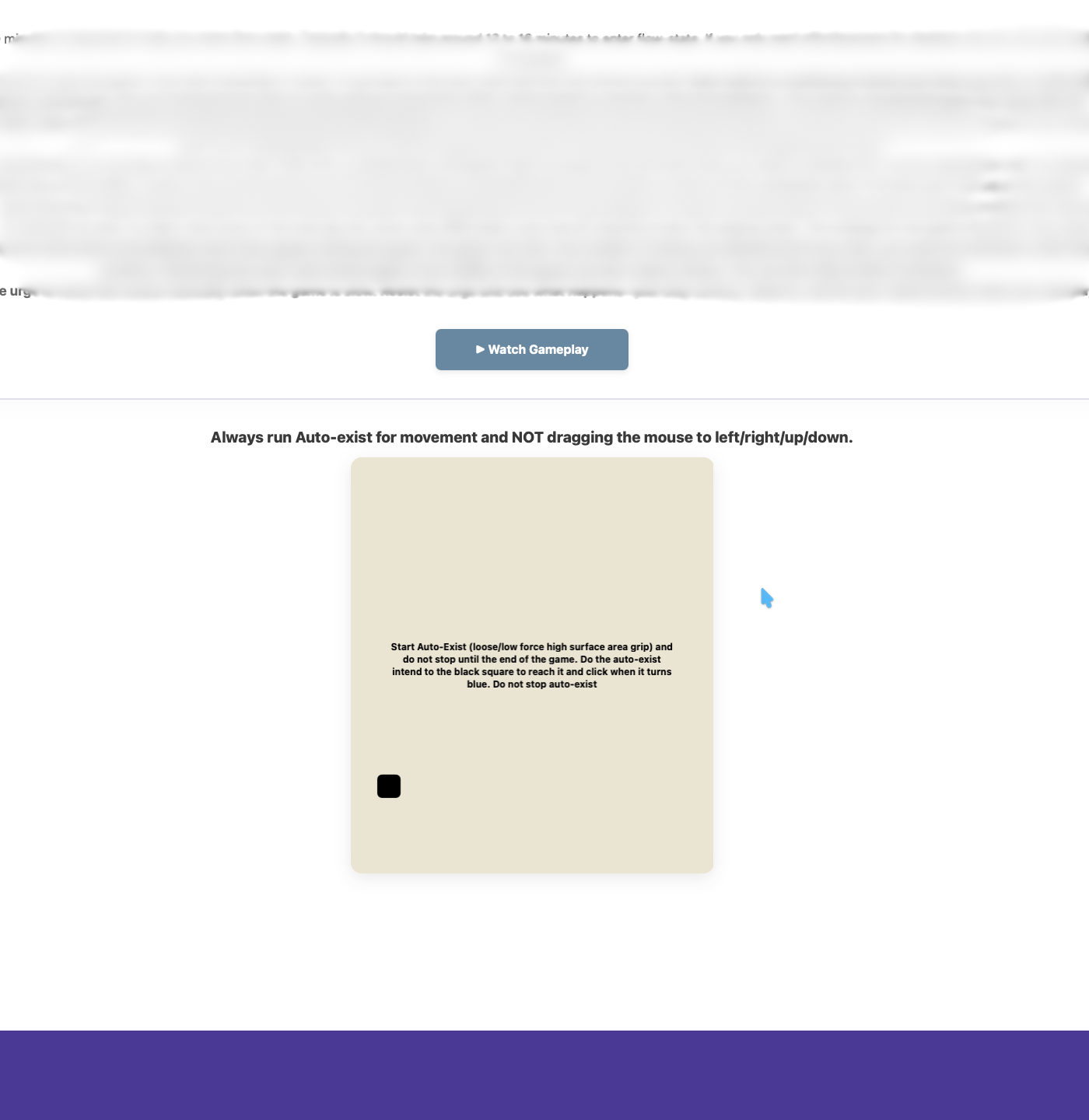
Yes. By practicing the "auto-exist" intend, aiming shifts from a slow conscious effort to a fast subconscious reflex. Your brain learns to operate as a closed-loop system, naturally tracking targets to build deep muscle memory and effortless, pinpoint accuracy over time.
Does it affect regular computer work?
Based on our own experience working in this mode, it feels a bit different. Because your conscious mind is freed up from the physical tasks of controlling the mouse and keyboard, you will notice that some types of work become significantly easier, while other tasks remain largely unaffected.
How many days will it take for this new mouse method to become permanent?
By the second day, you will naturally start using the "auto-exist" and change-targets methods because they are much faster ways to reach different points on your screen. If you avoid falling back into old habits like making manual corrections, the new system will become permanent within 10 days. After that, using your desktop will feel much easier than it ever did before.
Will I experience changes in my senses or "sensory overclocking"?
Yes, this is a normal part of entering a deep flow-state. Because your conscious mind is no longer wasting energy micromanaging your hand movements, your brain's processing bandwidth opens up significantly. This can lead to a temporary effect we call "sensory overclocking," where your vision and hearing may feel noticeably sharper or more profound.
Because you become hyper-aware, you might occasionally find yourself distracted by background sounds. If this happens, simply set a mental 'intend' to not pay attention to the background noise. Your subconscious will naturally filter it out, allowing you to maintain perfect focus on the activity in front of you.
I find other mouse grips better than the one explained in the software. Can I use those instead?
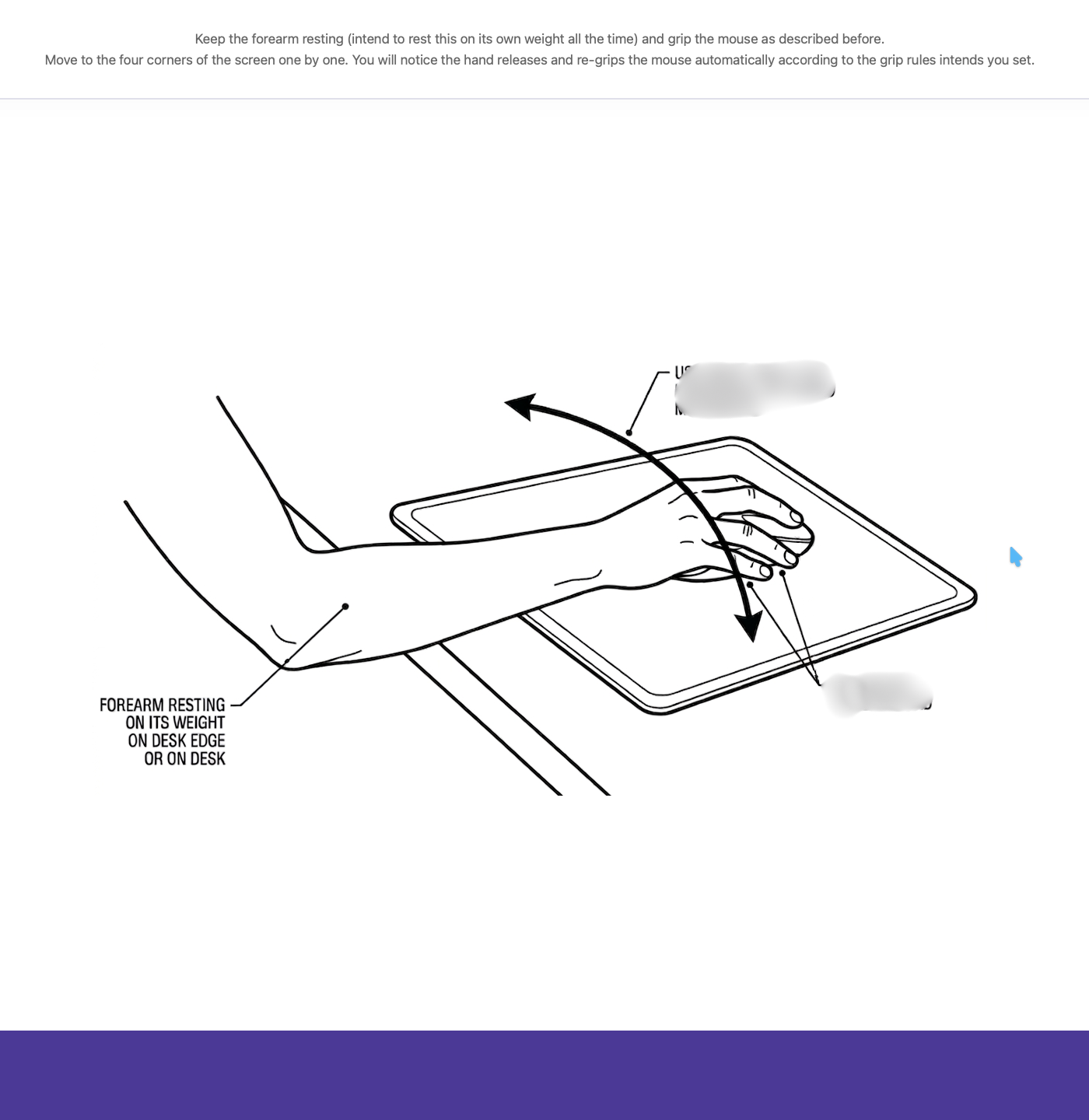
We recommend a specific grip where your fingers drape slightly over the mouse because it helps your brain trigger the flow-state smoothly. However, you are completely free to use any grip method you prefer, as long as it keeps your hand relaxed and stress-free.
Are there any hidden perks of being in the flow-state?
Yes. When the flow-state is active, tasks that involve your eyes and hands become much easier to process. This can help you in unexpected everyday situations. For example, if you watch a music video and simply intend to focus on the dance moves, you will experience the video from a completely different perspective where those physical movements naturally stand out and are much easier to follow. This happens because you set a clear, top-level intention to watch the dance. This intend leaves no doubt about what you want to achieve, putting your subconscious mind on the exact same page. Because this state strengthens the connection between what you visualize and how your hands move, you may also find that physical hobbies like drawing or sketching become surprisingly effortless and natural.
What is the advantage of using "auto-exist" instead of moving the mouse normally?
Normal mouse movement is a conscious, multi-step process—you have to look, manually drag the mouse, and check if you hit the right spot. With "auto-exist," the intention is continuous. The pointer naturally always wants to exist at the target. When you want to click something else, you simply pick a new target in your mind, which feels like "releasing" the pointer to go there. Because your subconscious mind completely takes over the actual physical movement, it happens effortlessly, instantly, and without draining your mental energy.
Can you explain the closed-loop control system that "auto-exist" uses?
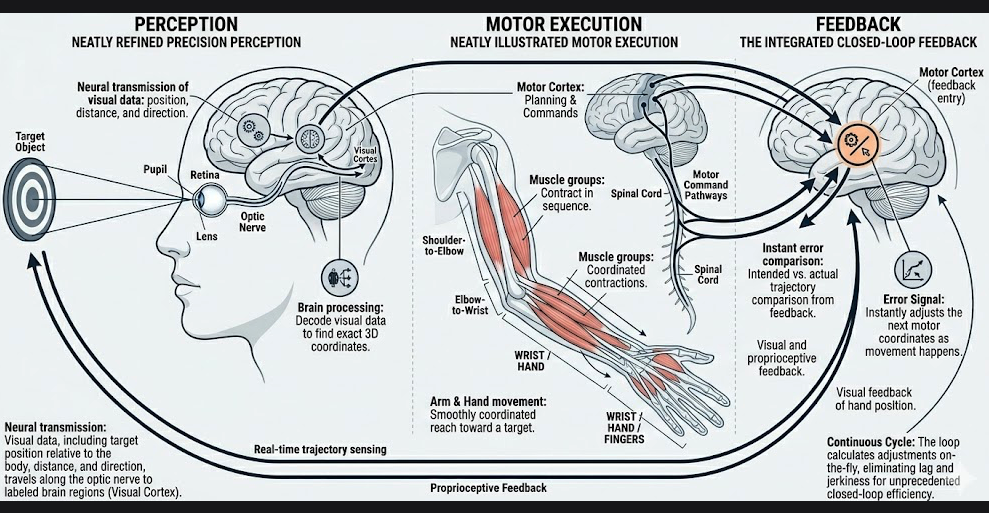
It simply means that while your hand is moving, your brain uses what your eyes see to instantly adjust the path and guide the mouse perfectly to the target in one smooth action. It makes these corrections en-route, so by the time it gets to the destination, the error becomes near zero, it reaches the target exactly, and the intend is complete.
Is staying in the flow-state healthy?
Think of it like playing a perfect game of 9-ball pool. When you are completely in the zone, you aren't fighting the cue, second-guessing the angles, or forcing your shots. You just see the path and let your hands execute it smoothly, sinking one ball after another. Is running the table over and over unhealthy? Not at all—it is just pure, frictionless coordination. Flow-state is exactly like that. It is the natural, optimal way your brain and body work together when the drag of overthinking is removed. There are no built-in negatives or sudden crashes because your brain isn't working harder; it is working with perfect efficiency. In fact, based on our experience of operating in this state for the last 30 days straight, there are absolutely no downsides. You simply remain highly capable, intensely focused, and completely at peace with whatever task is in front of you.
What happens if I use other substances or stimulants while practicing these flow-state exercises?
Flow-state naturally puts your brain into a highly efficient, "high bandwidth" state of processing and engagement. Because this natural state is already so chemically rich and rewarding, you don't need artificial substances to reach it. To get the most accurate biological feedback and the best results from your training, we strongly recommend practicing the exercises with a clear, sober mind.
 Intend System